
Apply Now for Semester 2
Shape your future with TasTAFE.
Explore courses on offer starting in Semester 2, 2026.
With a range of courses available across many industries, we have something to suit any career pathway.
Applications open from 25 May 2026, depending on the course. Please check the Applications Opening Schedule below for specific course opening dates.


On campus
If you choose to attend an on-campus info session, YOU MUST REGISTER.
Important information about our face-to-face information sessions
Accessibility is Important to us
If you have any accessibility requirements for an on-campus info session please let us know when you register for your chosen session.
If you require a support person to attend with you, they will need to register as well.
Please note - we need a minimum of five (5) business days’ notice to book Auslan interpreters.

Online Webinars
Good news, with online webinars, no one misses the opportunity to find out all about our great courses!
Webinar recordings will be placed on course pages after the event, so you can find out all the information you need about a course before applying.
Our Courses
Further your career and apply for a job-ready qualification by selecting a course from the list below.
If you're unsure, please make an enquiry or call a helpful student advisor on 1300 655 307.
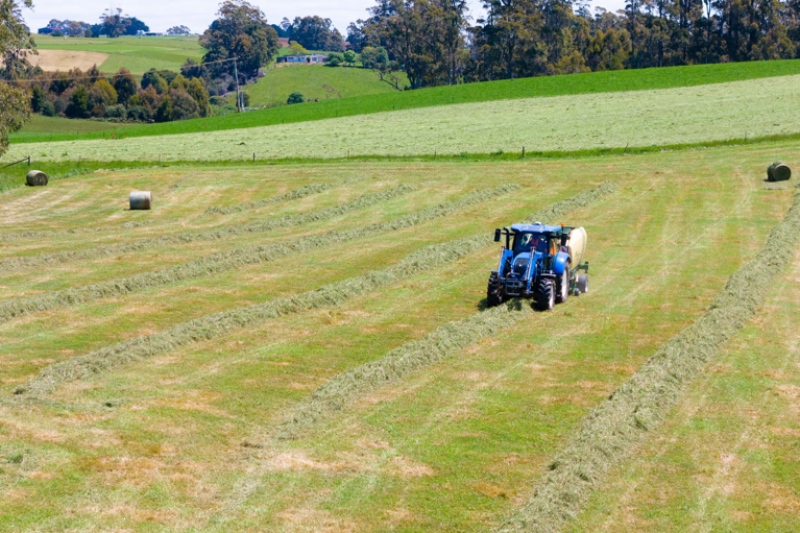
Agriculture

Animal Care

Automotive

Business

Community Services

Construction

Early Childhood & Education

Electrical

Foundation & Employment Skills
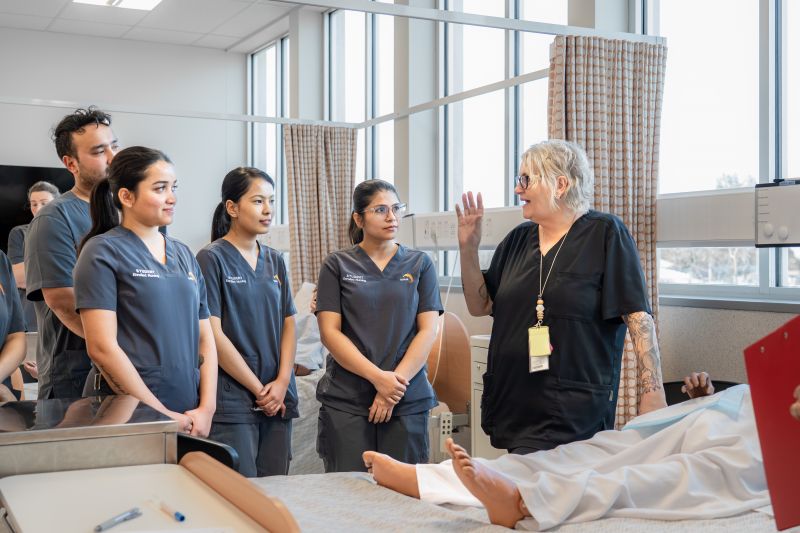
Health

Horticulture & Environment

Hospitality & Food

Information Technology

Metals

Plumbing

Tourism & Guiding